
Summarize with AI





Close out a month only after you have reviewed its records as a group. The job is to correct recent facts, expose unresolved items, and mark the period as reviewed. Finalization should never turn uncertainty into a completed record.
A weekly routine reduces the work, but month-end gives you a different view. It reveals repeated rounded durations, missing days that deserve a second look, inconsistent contributor names, and follow-ups that remained open across several entries.
Pick one property and one month
Keep the review boundary narrow. Select a single property and tax-year workspace, then choose the month that just ended.
Confirm that the month belongs to the intended property and year before editing records. This sounds basic, yet it prevents the most expensive kind of cleanup: moving a group of otherwise accurate entries out of the wrong workspace.
If you manage several rentals, finish one property before opening the next. A portfolio-wide total is useful later; it is a poor starting point for record correction.
Scan the month before opening individual entries
Begin with the shape of the month:
- total records and hours;
- owner and non-owner work;
- days that contain activities;
- categories used;
- supporting-context coverage; and
- visible items that need attention.
This scan helps you choose where to spend time. It does not create a quota for entries, hours, active days, or evidence. A quiet rental month may have only a few records. A turnover-heavy month may have many.
HostHours shows the full tax year month by month in Records → Evidence. Within the selected month, day markers show when saved activities exist. The tracker does not assume that an unmarked day contains missing work.
Read every activity once
Open the first record and move through the month in date order. Confirm the property, date, person, category, duration, and factual note.
Correct clear errors from reliable information. If the note says “fixed sink” and an attached photo clearly identifies the downstairs bathroom, add that location if it matches your memory of the job. If you cannot identify which unit was involved, put the question on a follow-up list.
Watch for four common problems:
- A note describes planned work but not the completed result.
- The owner is selected for work performed by someone else.
- A repeated entry retained an old duration or outcome.
- Two records describe the same occurrence.
Do not merge different people’s work into one duration merely because the tasks relate to the same repair. A coordination call and a contractor visit are separate activities.
The weekly rental work log routine explains how to keep these corrections small throughout the month.
Resolve follow-ups without inventing details
Work through the month-end follow-up list while sources are still close at hand. Receipts, messages, invoices, and photos can answer specific questions.
A receipt may confirm the purchase date and materials. A message may confirm that a cleaner visited. A photo may identify the repaired fixture. None of those sources automatically establishes the actual duration of your work.
If the missing fact remains uncertain, leave the item visible. You can ask the person involved or discuss the gap with the professional reviewing your records. Closing the month is not a reason to create an exact-looking number from weak clues.
Check supporting context selectively
Review records without attachments and ask whether any would be clearer with a receipt, photo, PDF, or reference. Evidence is optional, so focus on activities where the context explains a purchase, condition, vendor visit, or unusual result.
Open existing attachments to confirm that they are readable and belong to the correct record. A broken file or unrelated receipt is worse than a visible evidence gap because it can mislead the next reviewer.
Keep important original source files outside the app as well. The guide on when to attach a receipt, photo, or PDF helps match each source to the question it answers.
Finalize after the factual review
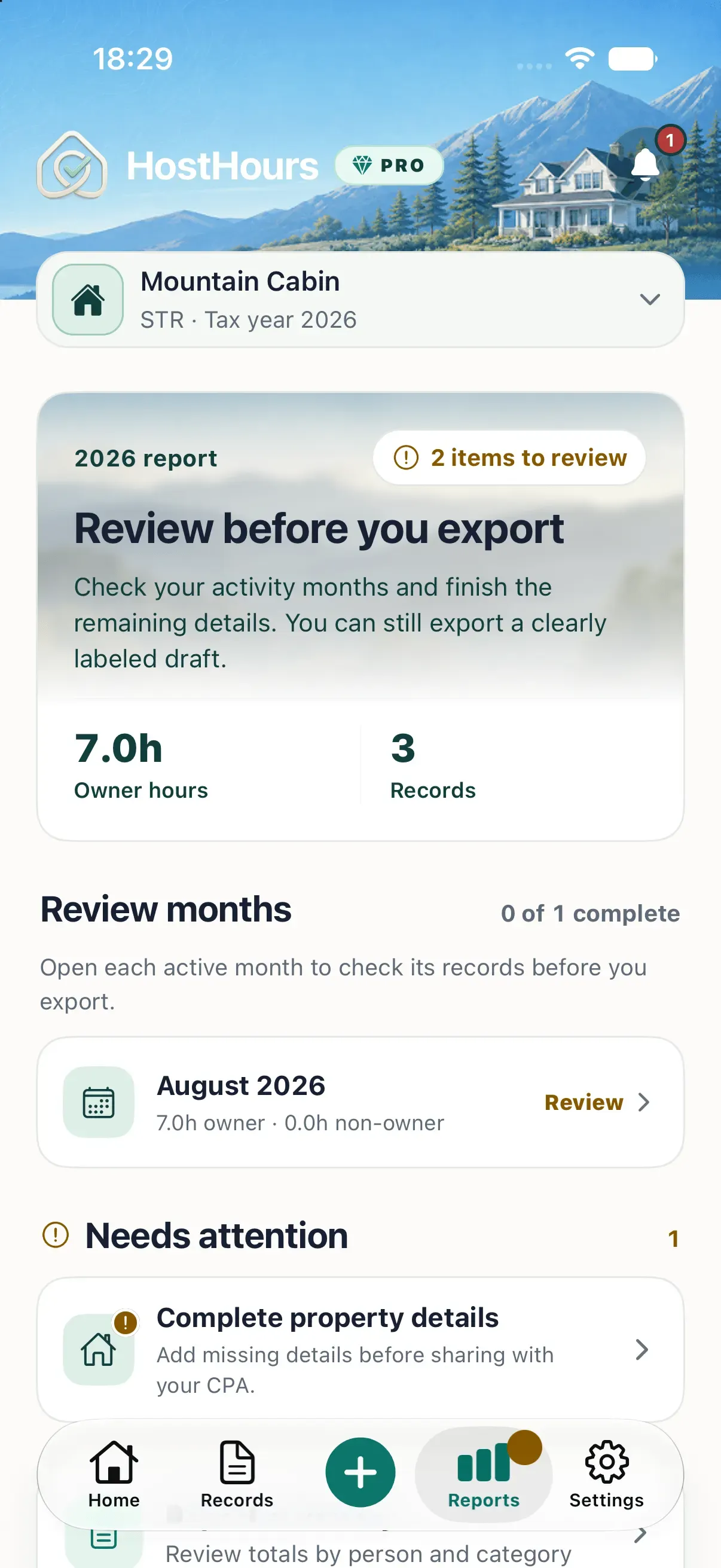
In HostHours, the Month review screen shows owner hours, non-owner hours, evidence coverage, missing notes, activity rows, and whether the month is Open or Finalized & Locked.
Use Finalize after you have reviewed the month and resolved the items you reasonably can. Finalization protects records from accidental ordinary edits and marks the period as reviewed. It does not certify completeness, tax treatment, or professional approval.
If a reliable correction arrives later, use the explicit Reopen action. Make the change, review the affected totals and related context again, then finalize the month when it is ready. Reopening is a normal correction path, not a failure of the process.
Leave a clean starting point for next month
Before you finish, record any unresolved question outside the finalized set and give it an owner and next action. For example: “Ask electrician which unit received the panel inspection” is more useful than “check invoice.”
Then schedule the next weekly review. Month-end should be the last pass over recent work, not the first time you look at it.
Choose the most recent completed month today. Scan its records, fix one clear problem, and decide whether the period is ready to finalize or still needs a named follow-up.
Note: This article provides general educational information about recordkeeping. It is not tax, legal, or accounting advice.
Clear answers
Frequently asked questions
When should I close out a month of rental work?
Review the month after it ends and after the latest records have been synchronized or entered. Leave it open while known corrections or missing activities are still being resolved.
What should I check before finalizing a rental work month?
Check each activity's property, date, person, category, duration, factual note, duplicate status, open follow-up, and any supporting context that should be attached.
Does finalizing a month permanently prevent corrections?
No. In HostHours, finalization protects the month's records from ordinary editing. You can explicitly reopen the month when a verified correction is required.
Does a finalized month mean a CPA has approved the records?
No. Finalized means the user completed the product's month review. It does not mean a CPA reviewed the records or that a tax authority accepted them.